Changelog
When Apple moves a setting, PinSet is updated. Updates are free. PinSet checks for updates by itself, or choose Check for Updates in its menu.
1.0 (build 7)
October 2026 · arrives by itself from build 5 on; your free fixes, settings and licence stay as they are
- Twice as many answers. 2,396 checked fixes, up from 1,216: more apps, more everyday words, more "where did it go?" questions.
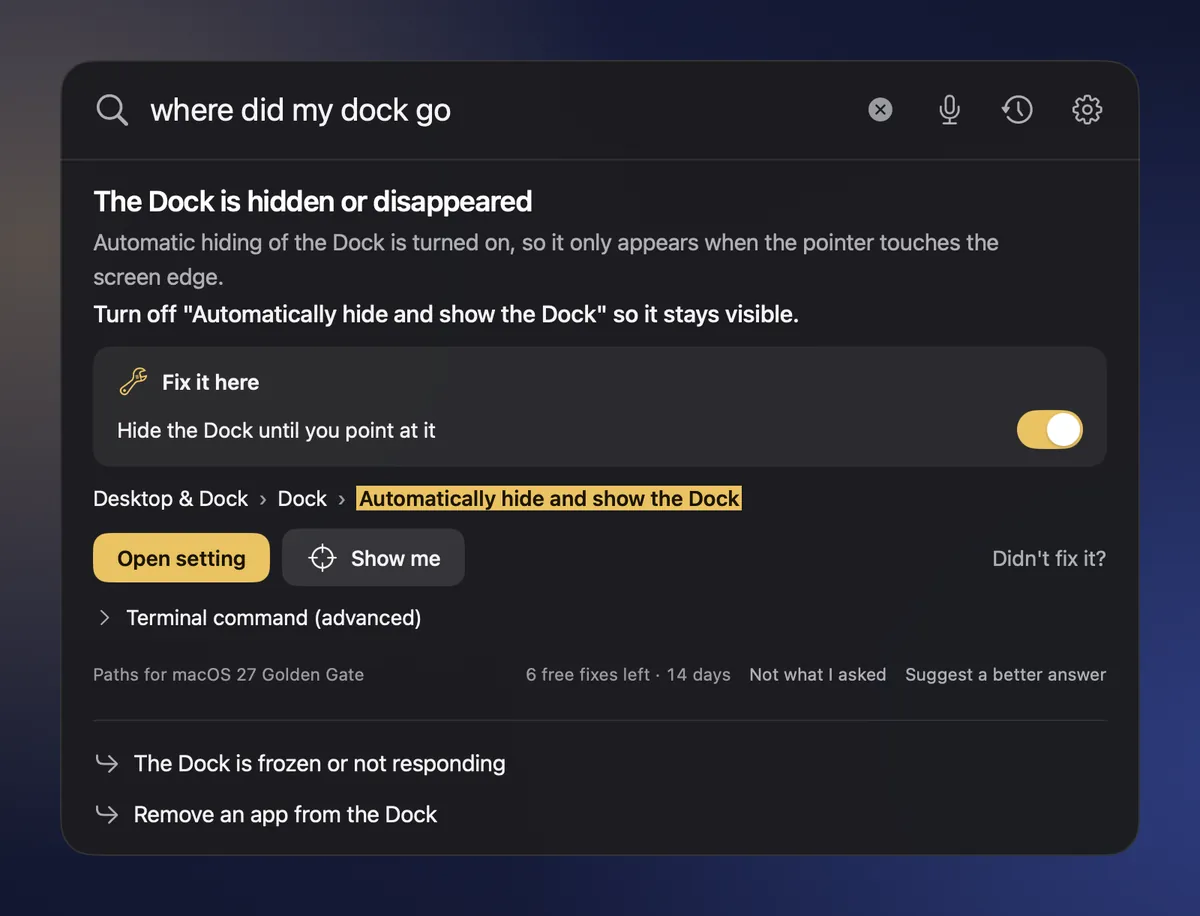
- Ready for macOS 27 Golden Gate. Paths and switch names follow the new System Settings, so Show me lands on the right control.
- A calmer, clearer look. The fix you need stands out, text is easier to read, and Settings is simpler. Four themes. On a fresh install, PinSet follows your Mac's light or dark mode.
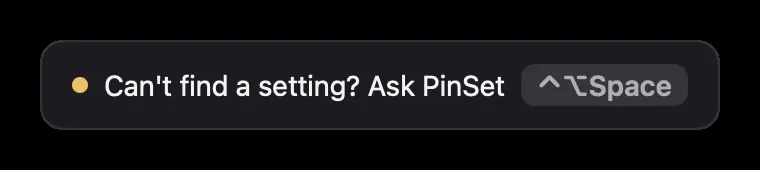
- Ask PinSet from Spotlight, Shortcuts or Siri. Say "Ask PinSet" or type it in Spotlight, and the PinSet bar opens ready for your question.
- Help when you're lost in System Settings. If you've been searching System Settings for a while, the PinSet pin offers to help, at most once a day. You can turn this off in Settings.
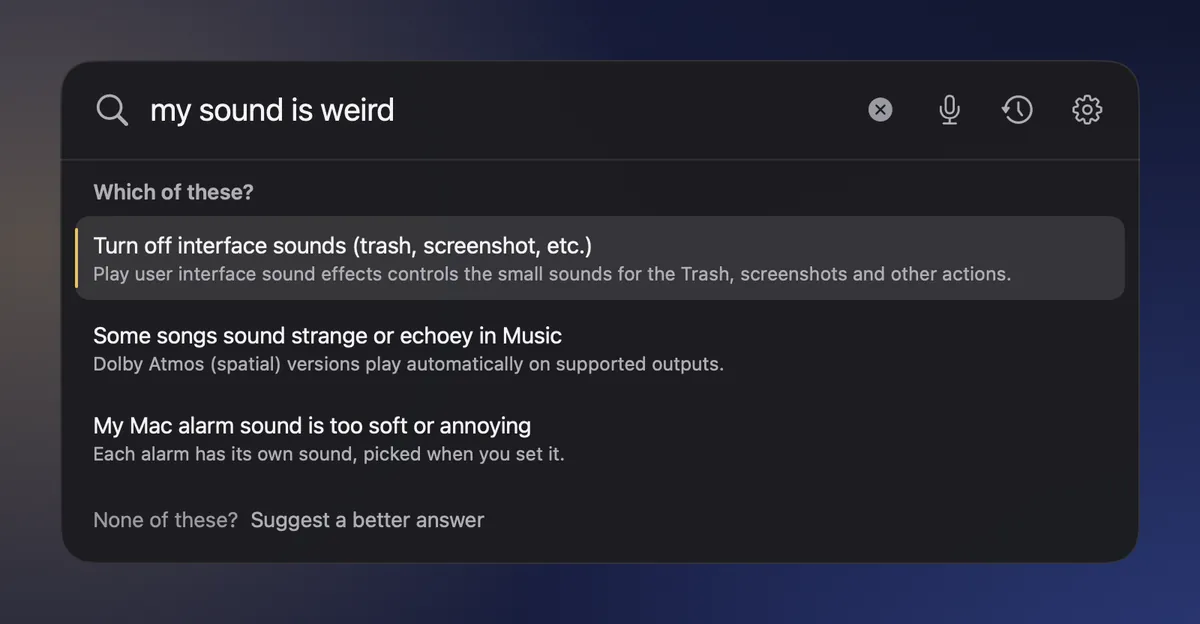
- "Which of these?" When a question could mean a few things, PinSet shows the likely answers and lets you pick, instead of guessing.
- Honest when it doesn't know. If PinSet has no answer yet, it says so and offers to send your question or search Apple Support.
- Faster. PinSet is ready a quarter of a second after it starts.
- One click to fix permission trouble. If a switch looks on in System Settings but PinSet still asks, "Reset PinSet's permissions…" in Settings clears it.
- Tell us how it's going. Settings › About › "Write a review…" opens an email to us. Nothing is sent unless you send it.
- Includes everything since build 3.
1.0.0 (build 3)
8 October 2026
- 105 new answers, 1,216 in all. More everyday questions are covered, like where your downloads go or how many displays your Mac can use.
- Smarter spelling fixes: real typos like "bluetoth" are still fixed, but normal words like "where" and "keeps" stay as you typed them.
- Includes everything in build 2 below.
1.0.0 (build 2)
7 October 2026 · not released on its own; these changes reached everyone in build 3
- PinSet only shows an answer about the thing you asked about, never a card about something else.
- "Didn't fix it?" within 10 minutes gives your free fix back.
- New "Suggest a better answer" and Send Feedback form. Nothing is sent until you press Send.
- A clear button (or ⌘⌫), and a bigger question box: three lines, up to 300 characters.
- Show me checks the Accessibility permission again and offers to restart PinSet once you've allowed it.
- Setup lets you choose whether PinSet opens when you log in. New look for setup, Unlock and Settings.
1.0.0 (build 1)
7 October 2026
- First release. Tap Control twice, or press ⌃ ⌥ Space, and type or say a Mac problem.
- 1,105 answers for macOS 26 Tahoe and macOS 27 Golden Gate, stored on your Mac, so it works offline.
- Open setting takes you to the right page. Show me draws a ring around the exact switch.
- Fix it here switches for common settings on macOS 27, each with Undo.
- History of your last 30 actions, kept on your Mac only.
- Signed with an Apple Developer ID and notarised by Apple, with automatic updates.
Privacy · Terms · Refund Policy · Permissions · Changelog
© 2026 PinSet. All rights reserved.