A Mac menu-bar app · 2,400+ fixes
Your Mac has a setting for that. PinSet knows where.
Press ⌃⌥Space and say what's wrong. PinSet opens the right setting and circles the exact switch in gold.
7 fixes free · No permissions to start · 14-day refund · ▶ Watch the 37-second ad
You know the ones.
Not broken. Just set to something, somewhere.
2,400+ of these. PinSet knows where each switch lives.
Press. Say it. There it is.
Press the shortcut

Say what's wrong
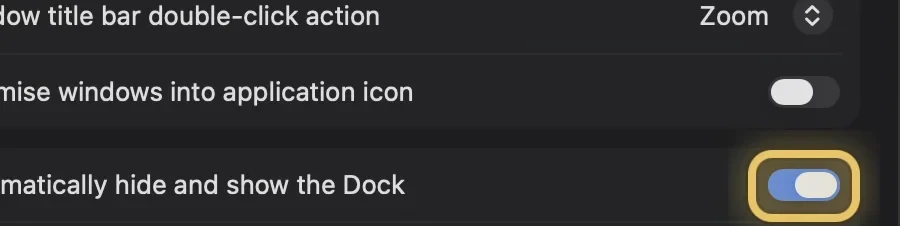
Land on the switch
Show me, or fix it here.
Show me
Fix it here macOS 27
PinSet never changes passwords, privacy permissions, FileVault or Gatekeeper. For those it opens the page and points.
Who it's for
First week on a Mac
Setting up a parent's Mac
Ten years on a Mac, still hunting
Tested, not guessed. And it asks when unsure.
Apple moved it again? PinSet knows where.
- Tahoe and Golden Gate, Apple silicon and Intel.
- Helping a parent? Switch versions and every answer follows.
- Apple moves a setting? A free update brings the new path.
Works offline. Stays on your Mac.
Every answer is on your Mac.
Your voice stays on your Mac.
The AI only picks.
No account. No analytics.
Simple for everyone. Deeper for pros.
A plain answer and a button for everyone. 130+ fixes add the Terminal command for those who want it. Copy only. PinSet never runs these commands.
$ defaults write -g ApplePressAndHoldEnabled -bool false
The little things too. And more.
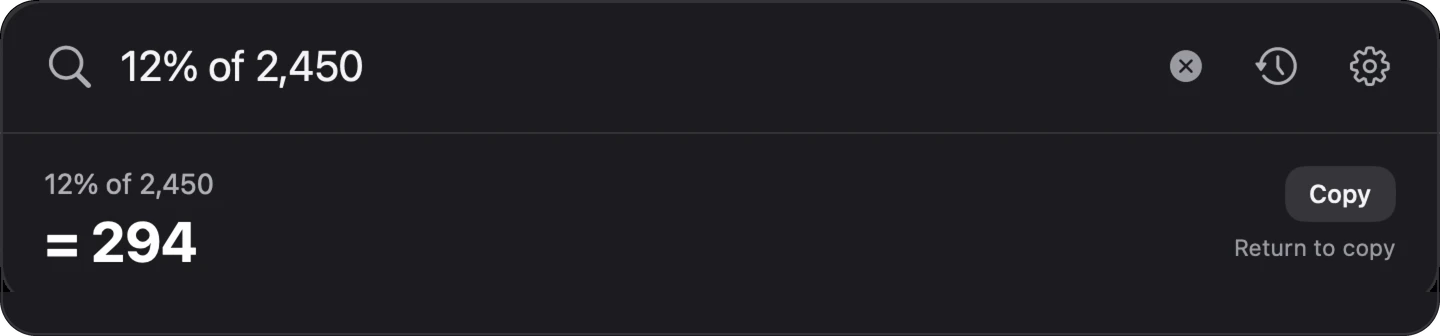
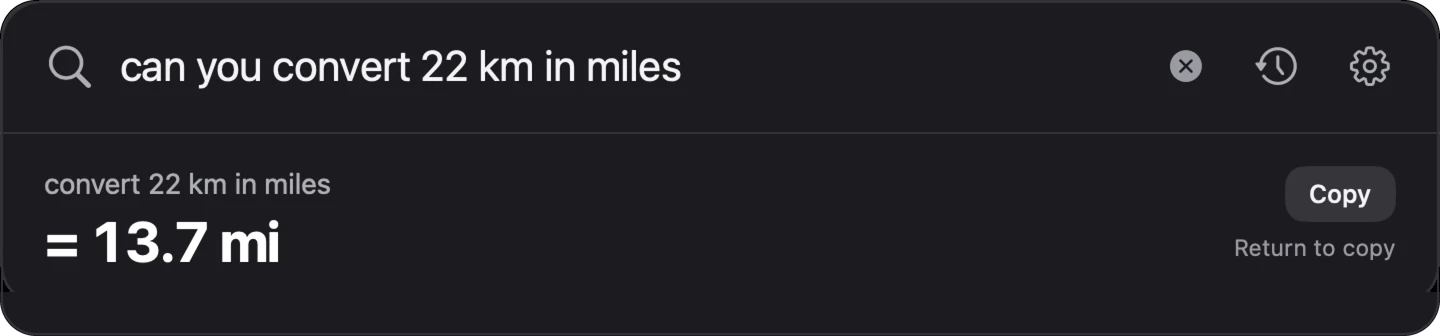
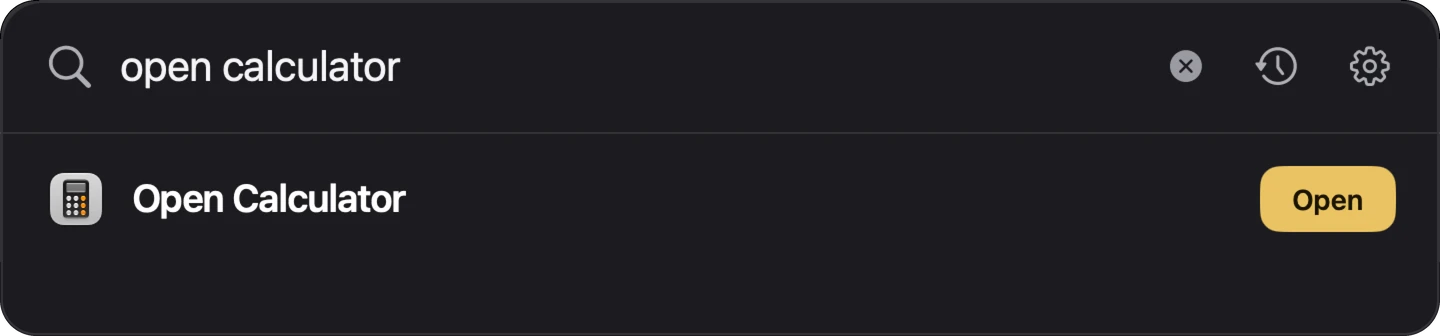
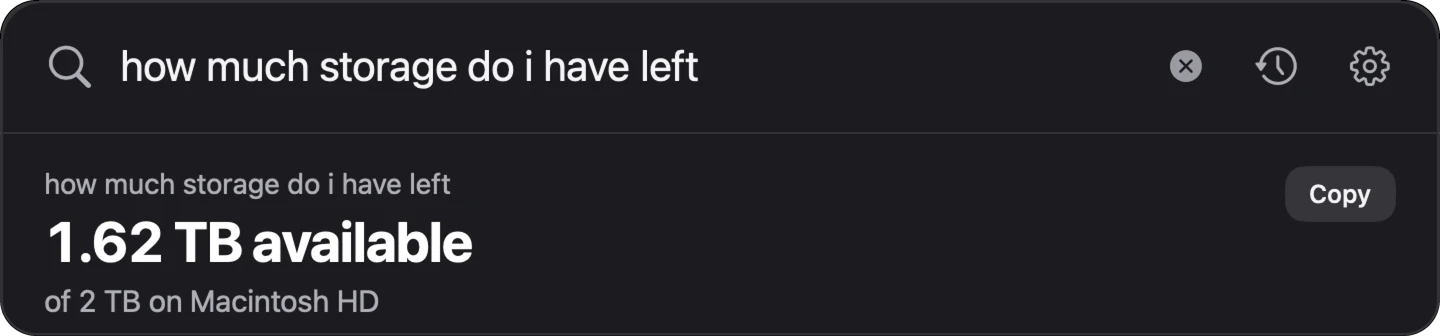
Also the time in another city, days until a date, and more. Same shortcut.
Pay once. Keep it.
7 fixes free. Then one payment, updates included.
Prices in US dollars. Local sales tax or VAT, where it applies, is added at checkout.
Teams, offices and schools (10+ Macs): hello@getpinset.com
Needs macOS 26 or later · English only
Buying opens on launch day. The free download works now.
We love the Mac. Mostly.
37 seconds. Sound on.
Big plans for a small app. (Planned updates)
Several problems at once
Share your setting list
A first-week mode
What people ask most. One page each, free to read.
Questions.
Can't I just search System Settings?
You can, if you know the setting's name. PinSet is for when you know what's wrong, but not what the setting is called or where it lives.
Will it break anything?
Show me only points. Fix it here flips one switch after you click it, with Undo right next to it. Fix it here is on macOS 27; on macOS 26, Show me rings the switch instead.
What does it never touch?
Passwords, privacy permissions, FileVault and Gatekeeper. For those it opens the page and points. It never runs the Terminal commands it shows.
What if PinSet doesn't know my problem?
Tell it. “Suggest a better answer” sends us your question, and the fix too if you found it. Good ones go into a free catalog update.
Does it need the internet or an AI subscription?
No. Every answer is on your Mac. It goes online only for the licence check (weekly, after you buy), updates, and feedback you choose to send.
Which Macs does it run on?
Apple silicon on macOS 26 and 27. Intel on macOS 26.
Is a menu-bar app safe?
Yes. Signed and notarised by Apple. It needs no permission to answer, never touches privacy settings, never runs the Terminal commands it shows, and every change has Undo. Every permission, explained.
What happens after the free fixes?
You still see the cause. The fix, the path and the buttons need a one-time unlock.
How many Macs can I use it on?
3 Macs per purchase, 5 with the Family pack. New Mac? Remove PinSet from the old one in Settings.
Can I get a refund?
Yes. Full refund within 14 days, no questions asked: email hello@getpinset.com.
Is it on the Mac App Store?
No. Sold directly, signed and notarised by Apple, with automatic updates.
Can I get PinSet free?
Yes. Film PinSet fixing something on your Mac using the free fixes. Post it publicly (at least 15 seconds, PinSet visible on screen, kept up for 30 days, saying “I got the app free for posting”) and send the link to hello@getpinset.com. You get a licence key. First 25 people, one each, until 30 November. By sending the link you allow PinSet to show the clip on this site. Terms
Who makes this?
One person who kept forgetting where the Dock switch lives. Email hello@getpinset.com and that person replies, usually within a day.